Rivoli PDF / HTML to PDF .NET without Chrome
HTML to PDF in .NET, without Chrome
Most .NET HTML-to-PDF libraries are a browser in a trench coat: a bundled Chromium build you get to deploy, sandbox, and patch. Rivoli PDF converts HTML with its own managed layout engine, so your container has no browser in it at all.
Install and generate
No system libraries, no headless browser, no per-platform setup. Rivoli.Pdf 0.1.0 targets .NET 8 and .NET 10.
using Rivoli.Pdf;
using Rivoli.Pdf.Html;

var converter = new HtmlConverter();
var document = converter.Convert(
    "<h1>Monthly Statement</h1><p>Generated without a browser.</p>");

new PdfDocumentRenderer().RenderToFile(document, "statement.pdf");
The converter supports headings, paragraphs, lists, tables, and inline CSS, and reports diagnostics for anything it skips. It is honest about being a layout engine rather than a browser: if you need pixel-perfect rendering of arbitrary web pages, that's a browser's job. If you need documents, this is lighter, faster to cold-start, and deterministic.
The output
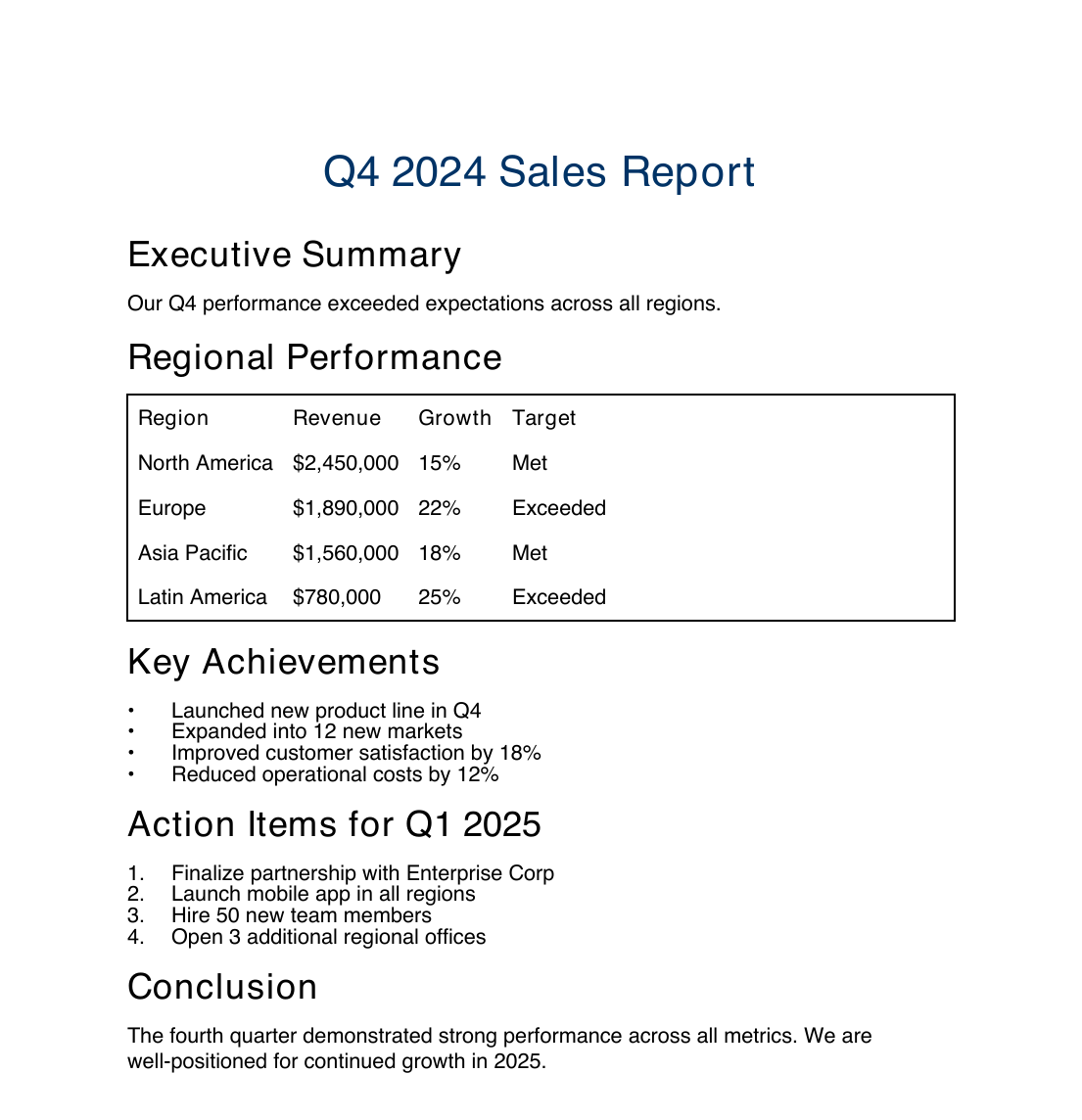
Real output from the runnable samples in the Rivoli PDF repository.
How we compare
Rivoli PDF against the browser-based converters.
| Capability | Rivoli PDF | IronPDF | Apryse |
|---|---|---|---|
| Free for small companies | |||
| Entry price (per developer) | $299 | $999 | $150K+/yr |
| Royalty-free redistribution included | Add-on | Quote | |
| Fully managed (no native deps) | |||
| Deterministic output | |||
| PDF/A-first | |||
| JSON document model + change tracking | |||
| Round-trip fidelity harness | |||
| Cross-language roadmap | 5 planned | Multi | Multi |
Competitor prices are researched approximations (June 2026); several vendors are now quote-gated, so some figures are historical or third-party. Rivoli PDF is pre-1.0: document creation is feature-complete, while full parsing of arbitrary PDFs and rasterized rendering are partial and on the near-term roadmap.
Pricing
Free for individuals and for organisations under US$1M in annual gross revenue. One perpetual per-developer license for everyone else.
Full library, no watermark, no page limits. For individuals and organisations under US$1M in annual gross revenue.
Buy once, use forever. Royalty-free redistribution included, and the early-access rate locks in for life.
Full details on the product page and in the license terms.
Dropping the browser from your pipeline
If you're on a Chromium-based converter, migration is one API swap plus a lot of deletion.
- 01 Swap the browser call for new HtmlConverter().Convert(html) and render with PdfDocumentRenderer.
- 02 Simplify your templates toward document HTML (headings, tables, lists, inline styles) and check converter.Diagnostics for anything unsupported.
- 03 Delete browser dependencies from the Dockerfile: no chromium packages, no fonts-liberation installs, no --no-sandbox flags.
- 04 Re-measure cold start and memory: there is no browser process to spawn, so both drop sharply.
- 05 Before migrating reading-heavy workflows (filling existing forms, rendering pages to images), check current support in the docs gallery: Rivoli PDF is pre-1.0 and strongest at authoring.
The full migration guide, with concept mappings and before/after code, lives in the documentation.
Start free. Pay only when you're big.
Install the package today. When your company crosses the US$1M line, the Founder rate locks in for life.